
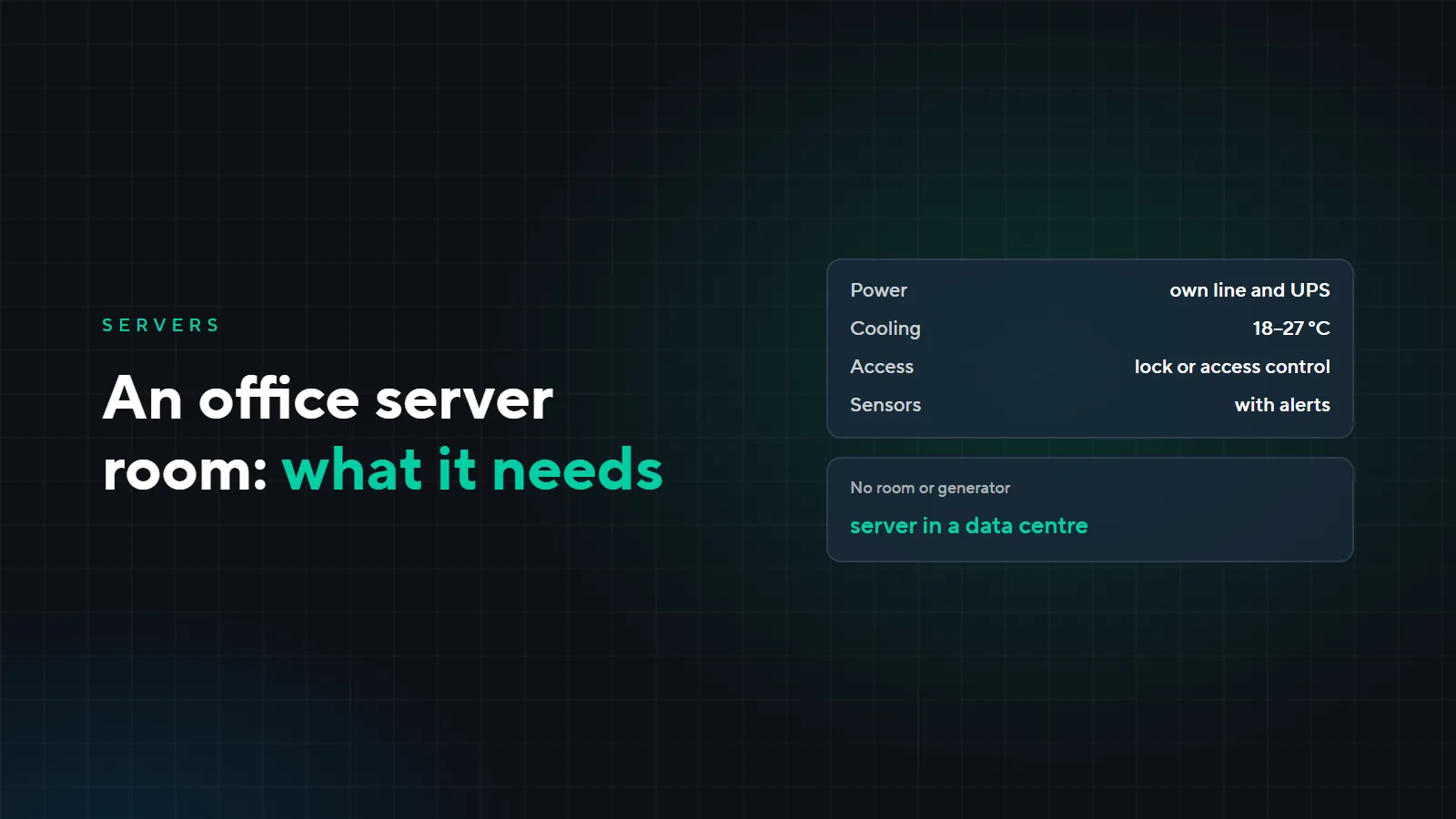
An office server room: power, UPS, cooling and access
In a small company, the server usually arrives before there is a place for it. It goes wherever there is a socket: a storeroom, under the accountant’s desk, a corner of the meeting room. While everything works, nobody thinks about it. Here is what most often goes wrong with office server rooms, what a server needs to run calmly, and when it is easier to move it to a data centre.
What usually goes wrong
- The server is in a storeroom or under a desk. People, dust and cleaning equipment are nearby, someone switches the server off by accident or catches a cable, and the door does not lock.
- Overheating. The room is cooled by a single household air conditioner with no backup. In summer it cannot keep up, and if it breaks down on a Friday evening, the server has overheated by Monday.
- There is a UPS, but it does not help. Nobody has checked the batteries for years, the UPS does not tell the server to shut down properly, and a kettle or heater is plugged into it as well.
- Nobody finds out about trouble. Overheating, a power cut or a leak is noticed only when 1C stops opening.
What a server room needs
Room and cabinet
A separate room is best; if there is none, at least a lockable cabinet. Not under pipes and not next to a radiator. The cabinet needs spare room for new equipment: our guideline is about 30%, see the article “Structured cabling: installation mistakes”.
Power
The server room needs its own line with its own circuit breaker, so that somebody else’s heater does not trip it. A double-conversion UPS is best: it delivers a clean voltage and rides through short outages. The batteries should last long enough for the server to shut down properly, and the UPS sends the shutdown command itself. Only the server and network equipment are connected to the UPS.
Cooling
The guideline for the temperature of the air entering the server is 18–27 °C, the ASHRAE recommendation for server equipment. The air conditioner has to work all year round, not only in summer. If there is only one air conditioner, a temperature sensor with alerts is a must: then a failure is noticed before the server overheats.
Access
The server room door locks, and only the people who need it have a key. Access control is even better: you can see who came in and when. How access control works is covered in the article “Access control for business centers”.
Monitoring and alerts
Temperature, power, leak and door sensors send an alert to the person on duty, for example in Telegram. For clients on SLA-backed technical support, the alert also reaches our monitoring, so we learn about the problem at the same time as you.
Example: an office of 35 people
A fictional office: the server with 1C and shared folders stands in a storeroom next to cleaning equipment, the room is cooled by a household air conditioner, and the UPS has run for five years without a check. On Friday evening the air conditioner switched off, on Monday the server would not start, and the accounts department waited half a day for it to be restored.
| What | Before | After |
|---|---|---|
| Room | a storeroom with cleaning equipment | a lockable cabinet in a separate room |
| Power | a shared line, an unchecked UPS | a dedicated line, a double-conversion UPS with proper shutdown |
| Cooling | a household air conditioner | an all-year air conditioner and a temperature sensor |
| Access | the door does not lock | access control on the door |
| Monitoring | a failure is found in the morning | sensors with alerts to Telegram and our monitoring |
| Maintenance | nobody is responsible | scheduled UPS and air conditioner checks, a report |
When to move to a data centre
Your own server room makes sense when data must stay inside your network or the system has to work without internet. Moving the server to a data centre is easier if:
- there is no room that can be set aside, locked and cooled all year round;
- the building often loses power and there is no generator;
- the system has to run around the clock, and there is nobody to look after the server room;
- the company has several branches that need a shared network centre, as in the article “Branch network”.
Then you can put your own server in our rack (colocation) or rent a server. What to ask before signing is covered in the article “Server rental: 8 questions”, and how to choose between your own server, rental and the cloud in the article “Own server, rental or cloud”.
What it costs
We quote the price after a survey: it depends on the room, the electrics, the number of servers and what equipment is already installed. The survey is paid; we quote its price after a call. Scheduled server room maintenance can be added to SLA-backed technical support.
Want to put your server room in order or move the server to a data centre? Send a request: we will come, take a look and propose a solution. The servers we supply and maintain are on the “Servers” page.