
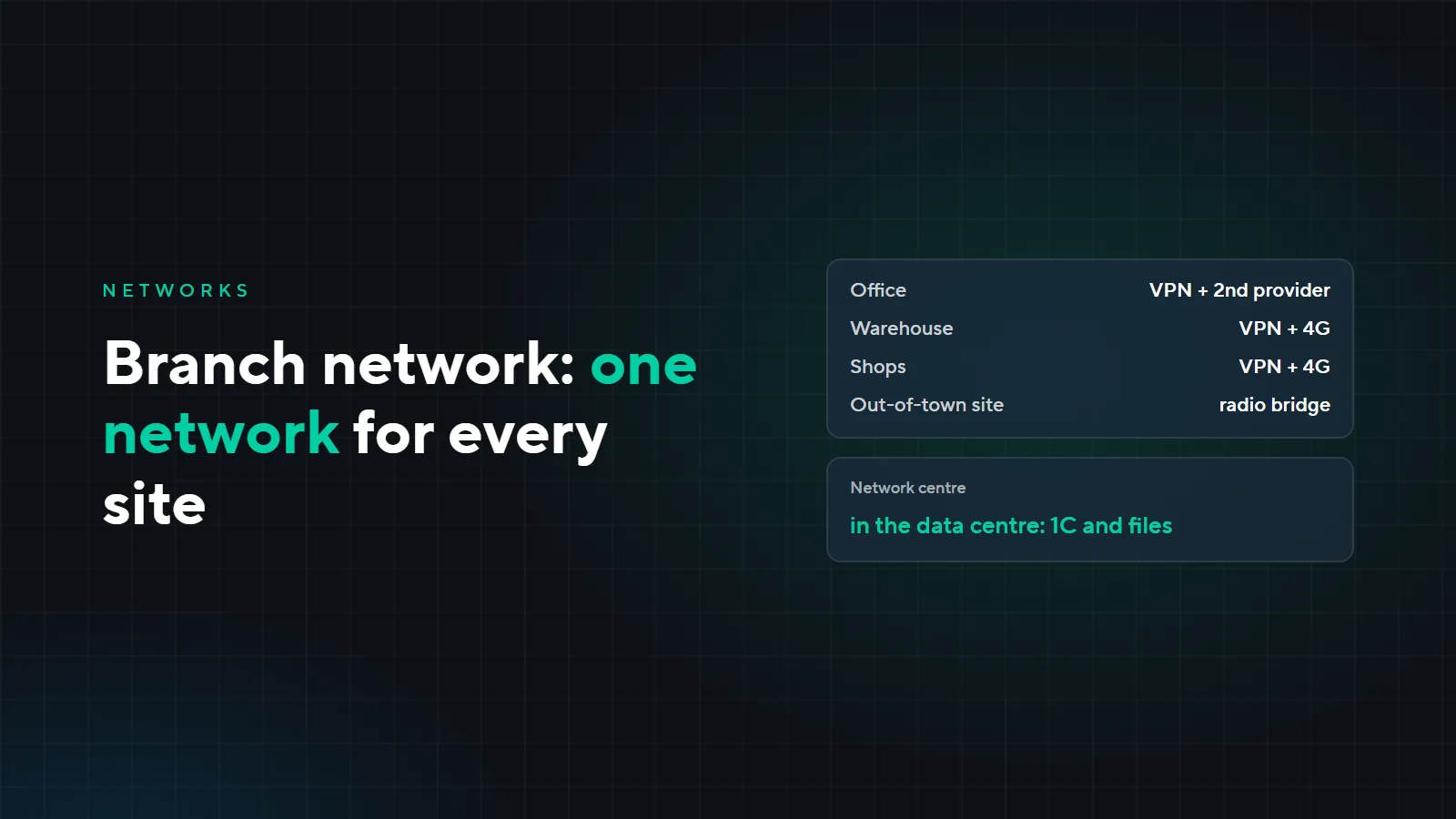
A branch network: how to connect offices, warehouses and sites
While a company has one office, the network is simple: a router, a switch, Wi-Fi. Then a warehouse, shops and a second site appear, and it turns out that 1C runs in the office, the warehouse cameras can only be watched from the warehouse, and when a shop loses internet, you hear about it from the sales assistant. Here is how to join all sites into one network, what to connect them with and why every site needs a second link.
What one network gives you
- 1C and shared folders. Branch staff work with the database just as they do in the office.
- Cameras from every site in one program. A manager watches the warehouse and the shops from the office or from home.
- One access and time tracking system. Access control and time tracking for all sites in one system.
- Remote maintenance. We configure branch routers, cameras and computers without a site visit.
How to connect the sites
VPN over the internet
The most common option. We install a MikroTik router at every site, and it builds an encrypted tunnel over the provider's ordinary internet. It suits offices, shops and warehouses in the city where a provider is already available. Speed between sites is limited by the slowest link, so for a branch that works with 1C and cameras we choose the provider plan together with you.
Radio bridge
When there is no provider or laying cable costs more than a bridge: between buildings, across a site, to a remote facility. The sites need line of sight, which we check during the survey. At the Terek-Tash plants, 6 industrial facilities are joined into one network this way: radio bridges over 20 km long with GRE and VPN tunnels on top.
Backup link
A second provider or a 4G router. If the main link goes down, the router switches to the backup by itself, and switches back when the main link returns. It is better to take a second provider with a different cable route: if both run along the same street, one accident cuts both.
Where the centre of the network is
All sites connect to one centre: the 1C server, shared folders and network management live there. The centre can be in the head office or in our data centre.
The data centre has UPS and a generator, and all sites in such a network are equal: the office is no longer the one place everyone else depends on. Data centre server plans are on the “Servers” page, and how to choose between your own server, rental and the cloud is covered in the article “Own server, rental or cloud”.
Example: an office, a warehouse and three shops
A fictional company: an office in the city centre, a warehouse on the outskirts and three shops. They work in 1C, the warehouse and the shops have cameras, the warehouse has access control. The 1C server and shared folders are in our data centre, and every site connects to it.
| Site | Main link | Backup | What runs over the network |
|---|---|---|---|
| Office | provider, VPN | second provider | 1C, shared folders, cameras of all sites |
| Warehouse | provider, VPN | 4G | 1C, cameras, access control |
| Shops | provider, VPN | 4G | 1C, cameras |
Cameras record to a recorder on site: sending video from every site to the centre around the clock is expensive and pointless. Over the VPN a manager opens live video and the archive when needed.
If the warehouse stood outside the city with no provider, it would be connected by a radio bridge to the nearest site with internet.
Who watches the links
For clients on SLA-backed technical support, monitoring reports when a site drops off the network or switches to the backup link. We learn about it before the sales assistant calls the office, and we deal with the provider ourselves.
What it costs
We quote the price after a survey: it depends on the number of sites, whether they have a provider, whether a radio bridge is needed and what equipment is already installed. The survey is paid; we quote its price after a call.
Connecting offices, warehouses or sites? Send a request with a list of sites and addresses, and we will propose a network design. More of our network work is on the “Low-voltage systems” page.