
Your own server, rental or cloud: what a company should choose
Where should you keep 1C, email, files and databases: buy your own server, rent one or move to the cloud? There is no universal answer. The choice depends on whether the company has its own IT staff, on the budget and on how big the task is. We work with every option, from a basic server for 1C to fault-tolerant setups for payment systems. Here is how they differ and what they cost.
Five hosting options
| Option | Where it runs | Whose hardware | When it fits |
|---|---|---|---|
| New server | At your site | Yours | Data must stay inside your network, and you have a server room and your own specialist |
| Refurbished server | At your site | Yours | The same, on a smaller budget: a used server after refurbishment and testing, with new disks |
| Colocation | In our data center | Yours | You own the server but have no server room with backup power, cooling and connectivity |
| Dedicated server for rent | In our data center | Ours | You need the full power of a physical server without buying hardware |
| VPS | In our data center, on distributed storage | Ours | You need a quick start, and resources will grow with the load |
The cloud on this list is VPS: a virtual server runs on distributed storage, and resources are added on request as the load grows.
The options can be combined. For example, the main server runs at your site while a copy runs in our data center. For systems that must not stop, we build fault-tolerant setups with redundancy and replication between sites.
Where our capacity is
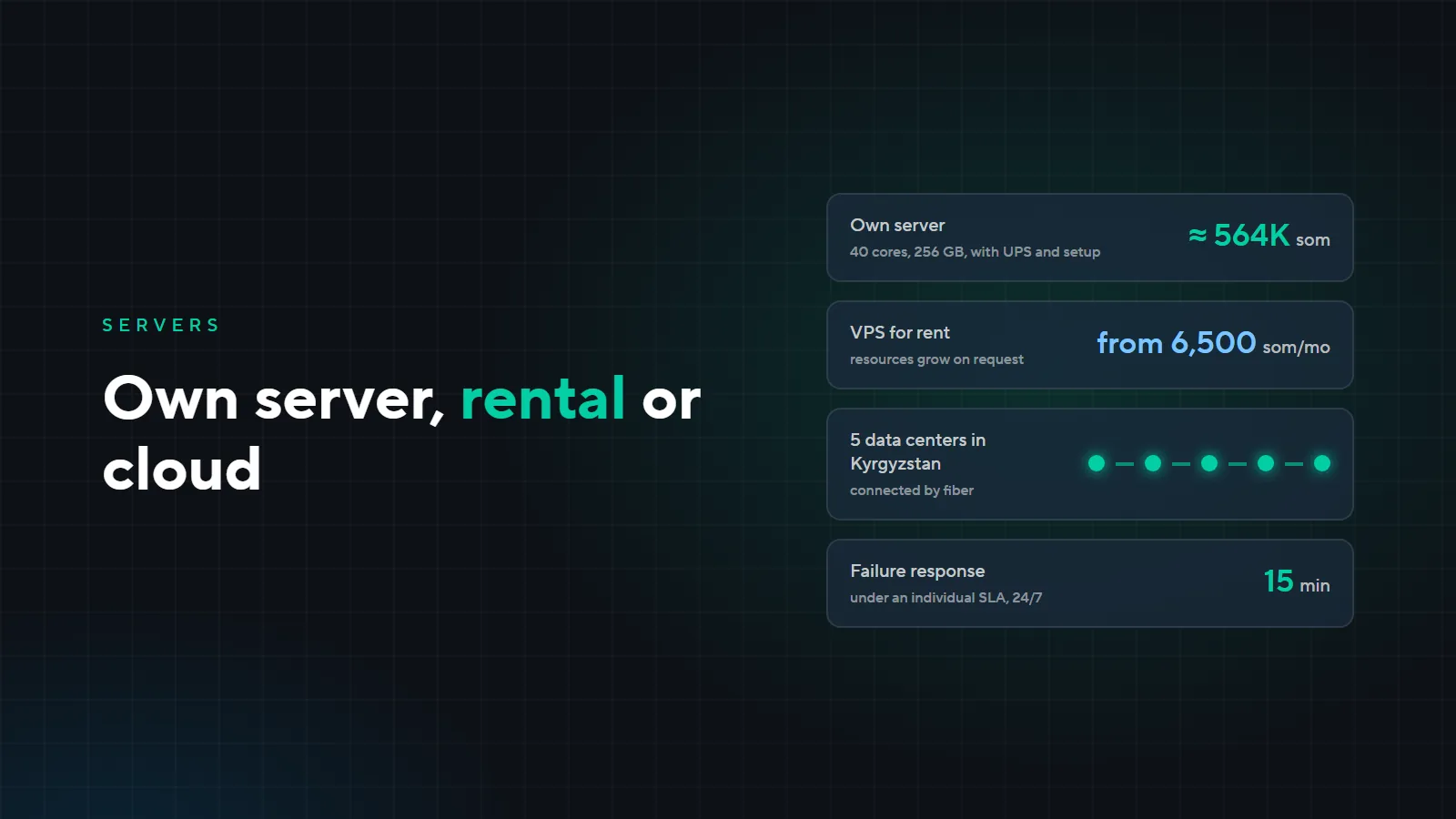
We have five commercial data centers, all of them in Kyrgyzstan. The sites are geographically separated and connected by fiber, so a backup copy or a second node of your system can be kept at another site. The main site is a purpose-built data center designed to Tier III level; the others are dedicated rooms at telephone exchange sites.
Our own infrastructure runs on Kubernetes, Fibre Channel and vSAN. We use the same technologies to build fault-tolerant setups for clients.
What your own server costs
An example from our quote of November 10, 2026: a virtualization server for 100–200 users running Proxmox with TrueNAS and Windows Server.
| Item | Amount |
|---|---|
| Dell PowerEdge R740xd after refurbishment and testing: 40 cores, 256 GB of memory, 10G | 409,100 som |
| New SSDs in mirrored pairs for the system and for virtual machines | 80,400 som |
| 3 kVA online UPS: rides through short outages and shuts the server down cleanly | 27,490 som |
| Installation and setup: Proxmox, ZFS, network, virtual machines, load testing | 25,000 som |
| Tax 4% | 21,680 som |
| Total | 563,670 som |
Delivery takes 3–4 weeks, installation and setup take 2 business days. The warranty is 6 months on the refurbished server and 12 months on the new disks and the UPS. Windows Server licenses and migration of existing services are quoted separately.
On top of the purchase come costs that are easy to forget: a room with cooling, electricity, a specialist who looks after the server, and backups stored outside the office. If the backup sits next to the server, a fire or a flood destroys both.
What renting costs
VPS prices as of November 2026:
| CPU | Memory | Disk | Per month |
|---|---|---|---|
| 8 cores | 16 GB | SSD 128 GB | 6,500 som |
| 16 cores | 24 GB | SSD 256 GB | 8,500 som |
| 32 cores | 32 GB | SSD 512 GB | 11,500 som |
Every plan includes technical support, a UPS and a generator, 24/7/365 operation, antivirus and daily backups. Dedicated servers, colocation and fault-tolerant configurations are quoted for the task.
What to choose
- Your own server if your requirements say data must stay in your network, the system must work without internet access, and you have a server room and someone to look after it.
- Colocation if you already have a server or want to own the hardware but do not want to build a server room.
- Rental if you would rather not invest in hardware, need a quick start and expect the load to grow. We take care of administration and monitoring.
- A fault-tolerant setup if downtime costs more than redundancy: payment systems, accounting, customer-facing services.
Most often clients hand the complex part over to us and get a turnkey service: we choose the configuration, deploy it, migrate the data and support it afterwards.
- 1We review your tasks and current servers
- 2We estimate the load and budget
- 3We propose options
- 4We deploy and migrate data
- 5We support it under an SLA
Support and SLA
Daily backups, round-the-clock monitoring and technical support are always part of the service. Response time depends on the contract: under the basic SLA, response to a critical failure is within 2 hours; under an individual package, within 15 minutes, 24/7. We agree the terms with each client.
Not sure which option fits? Leave a request: we will look at your tasks and propose a configuration. Plans and hosting options are on the “Server solutions” page.