
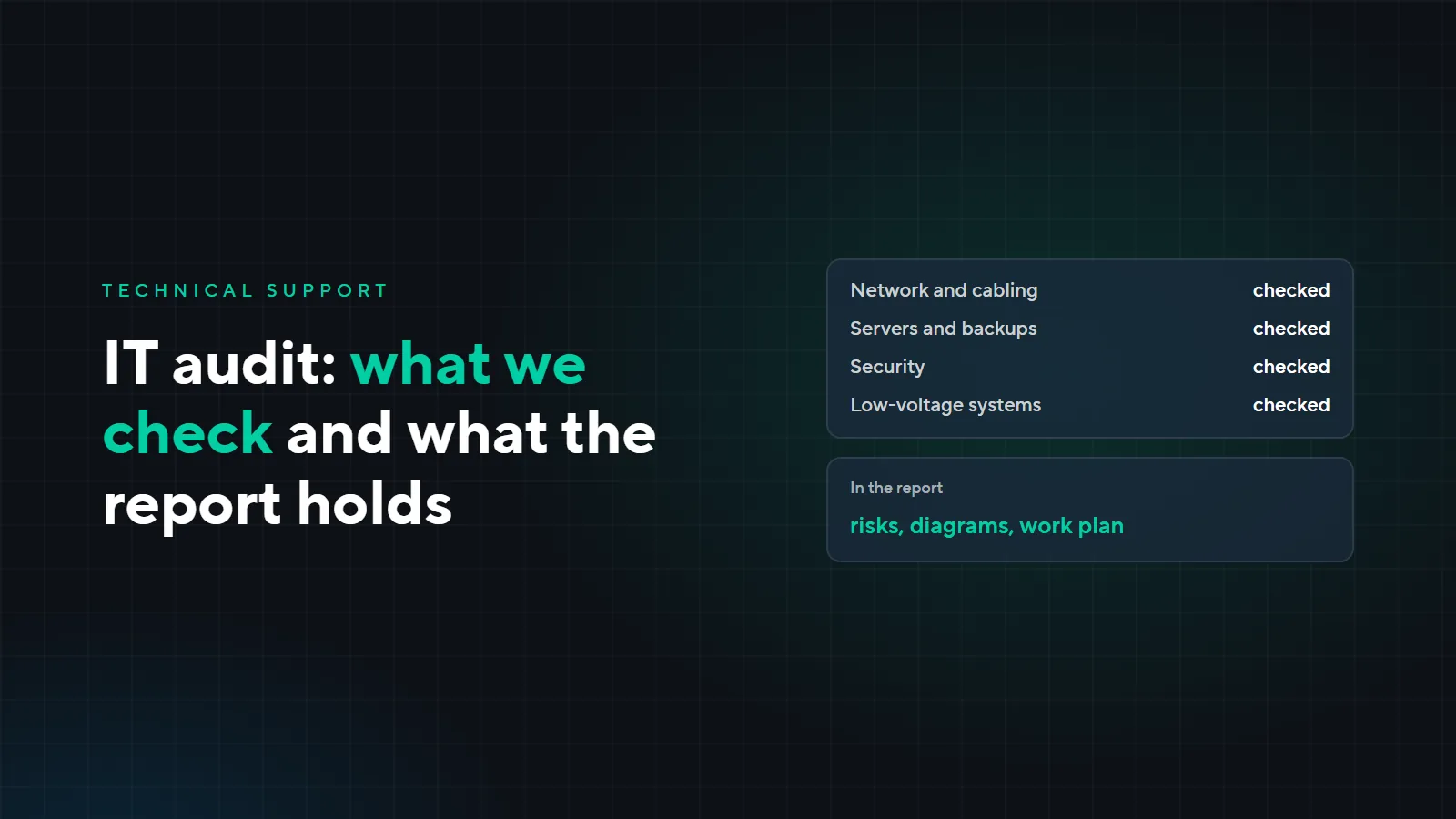
IT infrastructure audit: what we check and what the client gets
A company’s network, servers and cameras usually appear bit by bit: some were set up by the first administrator, some by a contractor, some bought in a hurry. A few years later nobody can say where the database backups are, who has the passwords or how much longer the UPS will last. An audit answers these questions and gives a plan of what to fix first. Here is when to order one, what we check and what you get.
When to order an audit
- The administrator or contractor has changed. Passwords, diagrams and knowledge of how everything works left with them.
- Frequent failures. Everything seems to work, but the internet drops, 1C will not open or the cameras go offline.
- Before growth or a move. A new office, a branch, moving the server to a data centre or an equipment budget: first it is worth knowing what can be kept.
- Before SLA-backed support. Before taking a site on for maintenance, we need to know what is installed and what condition it is in.
What we check
Network and cabling
Routers, switches and Wi-Fi, the cabling and cabinets, the internet connection and the backup link. If you need only a cabling audit, it can be ordered separately, as described in the article “Structured cabling: installation mistakes”.
Servers and backups
Servers and the server room, 1C, the UPS, backups and whether the database actually restores from them. What should be in order in a server room is covered in the article “An office server room”.
Security and access
Passwords and accounts, ports and Remote Desktop open to the internet, updates and antivirus, and above all who has access to what. Why RDP must not be left open is explained in the article “Server rental: 8 questions”.
Low-voltage systems and workstations
Video surveillance and archive depth, access control, telephony, and the state of computers and licences.
How the audit goes
- 1Conversation
- 2Site visit
- 3Checks
- 4Report
First we talk to the manager and the administrator, if there is one: what worries you, what is already known, what the plans are. Then we visit the site and check the equipment on site and remotely. The office keeps working while we do it. At the end we prepare a report and go through it with you.
What you get
- A report with risks ranked by importance. What to fix urgently, what within a month and what can be done as planned work.
- Diagrams and an equipment list. A network diagram and an equipment list with age and support dates. They stay with you.
- A work plan with estimates. What to do, in what order and roughly how much it costs.
- A walkthrough of the report with the manager. We explain the results without technical jargon so a decision can be made straight away.
Example: a 30-person office and a warehouse
A fictional company: an office and a warehouse on the edge of town, 1C on its own server, cameras at the warehouse. The administrator left six months ago, and since then everything has relied on calls to a contractor. Part of the report could look like this:
| Finding | Risk | When to fix |
|---|---|---|
| 1C backups are on the same server, restores have never been tested | a disk failure or ransomware takes out both the database and the backups | urgently |
| The server’s RDP is open to the internet, the former administrator still has access | a break-in and an encrypted database | urgently |
| The UPS batteries are five years old, the server does not shut down properly | database damage during a power cut | within a month |
| The warehouse has a single link with no backup | the warehouse loses 1C when the provider fails | within a month |
| A switch that is out of manufacturer support | no updates, and a replacement is hard to find if it breaks | planned |
| Routers in offices instead of Wi-Fi access points | slow Wi-Fi and dead zones | planned |
With a report like this, the company closes the urgent items first: backups go to another site, RDP is moved behind a VPN, and the former administrator’s access is switched off. The rest goes into next quarter’s budget. Why backups must be kept separately is covered in the article “Backups: the 3-2-1 rule”, and how to build Wi-Fi in the article “Wi-Fi for offices and hotels”.
After the audit
The report is yours. You can fix things yourself, with another contractor or with us. If you decide to hand over your IT, the site has already been studied, and it can go straight onto SLA-backed technical support.
What it costs
The audit is paid; we quote its price after a call. How long it takes depends on the site: the number of workstations, servers, locations and systems.
Want to know what state your IT infrastructure is in? Send a request: we will call, explain what the audit will cover and arrange a visit.