
Backups for a small business: the 3-2-1 rule in practice
People remember the backup when they already need it: the server won't boot, the files are encrypted, or the accountant has accidentally deleted the database. That is when it turns out whether there is a backup, where it is and whether it can be restored. Here is how our clients lose data, what the 3-2-1 rule is and how to apply it in a small company.
How data gets lost
Four situations clients most often come to us with.
Ransomware
The malware encrypts the files on the server, and the backups too if they can be reached over the network from that server or computer. To ransomware, a backup you can open from the office is just more files.
The backup is on the same server
Backups were made, but to the same server or to another disk inside it. The server failed, and the backup went with it.
The backup would not restore
Backups had been made for years, but nobody had tested a restore. When it was needed, the backup turned out to be incomplete, or the system could not be brought up from it.
A 1C database or files were deleted
An employee made a mistake that was noticed too late. There were backups, but none old enough were left.
The 3-2-1 rule and its extension
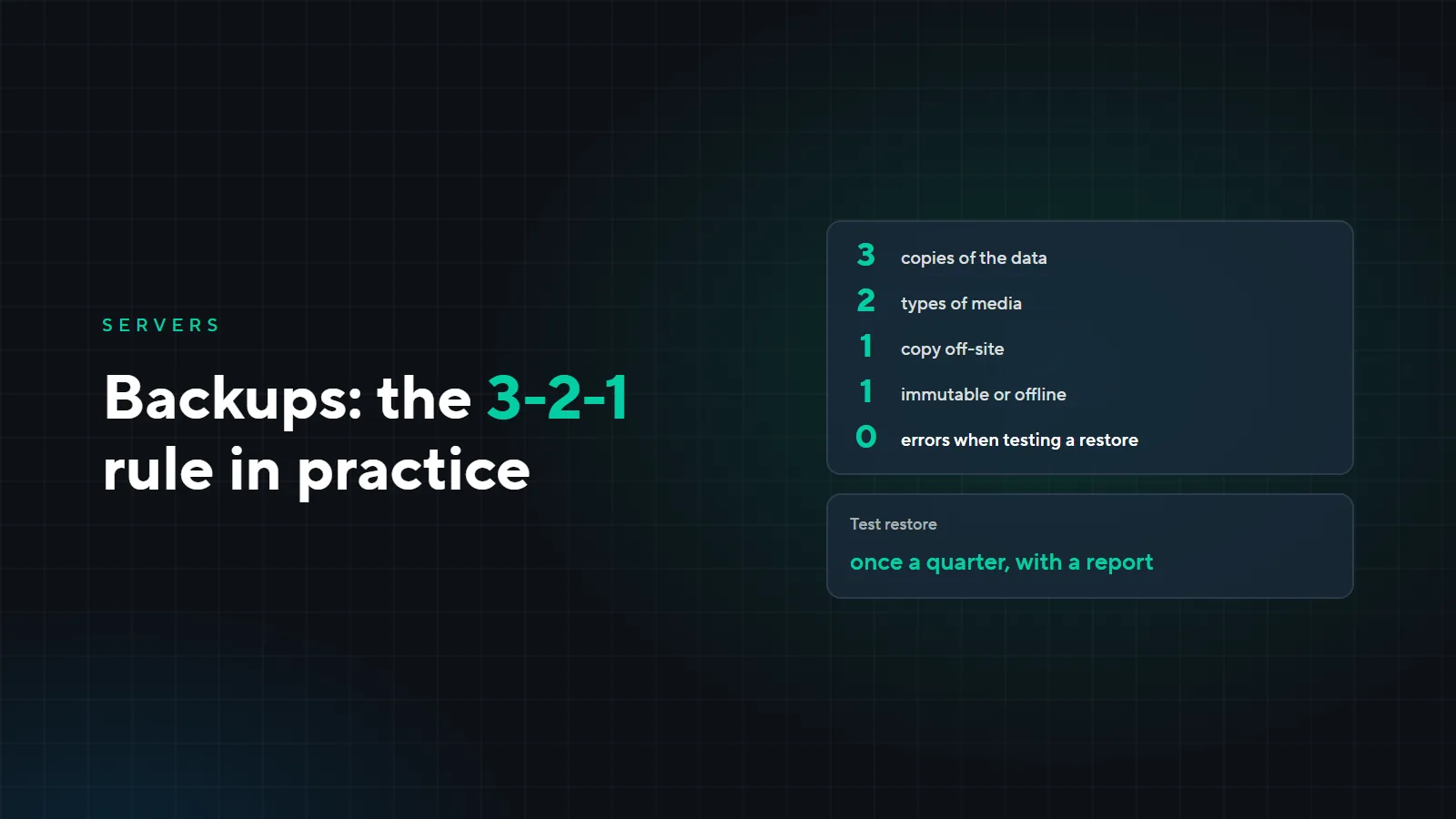
The classic rule is 3-2-1. We recommend its extended version, 3-2-1-1-0:
- 3copies of the data: the working one and two backups
- 2different types of media
- 1copy off-site
- 1copy immutable or offline
- 0errors when testing a restore
- 3 copies. The working data and two backups.
- 2 types of media. The backup is not on the same server and disk as the data.
- 1 off-site. A fire, a flood or a theft should not take every copy at once.
- 1 immutable or offline. Such a copy cannot be deleted or encrypted over the network, so it protects against ransomware.
- 0 errors. Restores are tested regularly, and the test passes without errors.
How we do it
Depending on the client's needs, we use Veeam, Proxmox Backup Server and network storage (NAS) from Synology and other vendors. The off-site copy can be kept in our data centers: there are five, all in Kyrgyzstan, geographically separated and connected by fiber.
We make backups daily. How many copies to keep and whether to back up more often depends on the task: the answers differ for a 1C database and a shared folder.
For clients on our support plan, we run a test restore once a quarter and send a report. This way we learn about a problem with a backup before the backup is needed.
Example: a 20-person office
The company is fictional, the setup is typical. The office has 20 employees and a server with 1C, shared folders and email.
| What | Where | Why |
|---|---|---|
| Working data | Server in the office | 1C, shared folders, email |
| Copy 1 | NAS in the office, daily | Quickly restore a deleted file or database |
| Copy 2 | Data center outside the office, daily | Recover after a fire, a theft or a server failure |
| Immutable or offline | One of the backups | Protection against ransomware |
| Testing | Once a quarter | Test restore and a report |
What it costs
If the server is rented from us, daily backups are already included in every plan: server rental starts at 6,500 som a month. For your own servers in the office, we design the backup scheme and price it for the task.
Check yourself
- Where is the latest backup of your 1C database, and what date is it from?
- Is there a copy outside the office?
- Can ransomware on any office computer reach the backups?
- When was a backup last restored as a test?
- How many days back can you roll back if a mistake is noticed late?
If even one of these has no confident answer, leave a request: we will look at what is backed up and where, and propose a scheme. For server rental and maintenance, see the “Servers” page.