
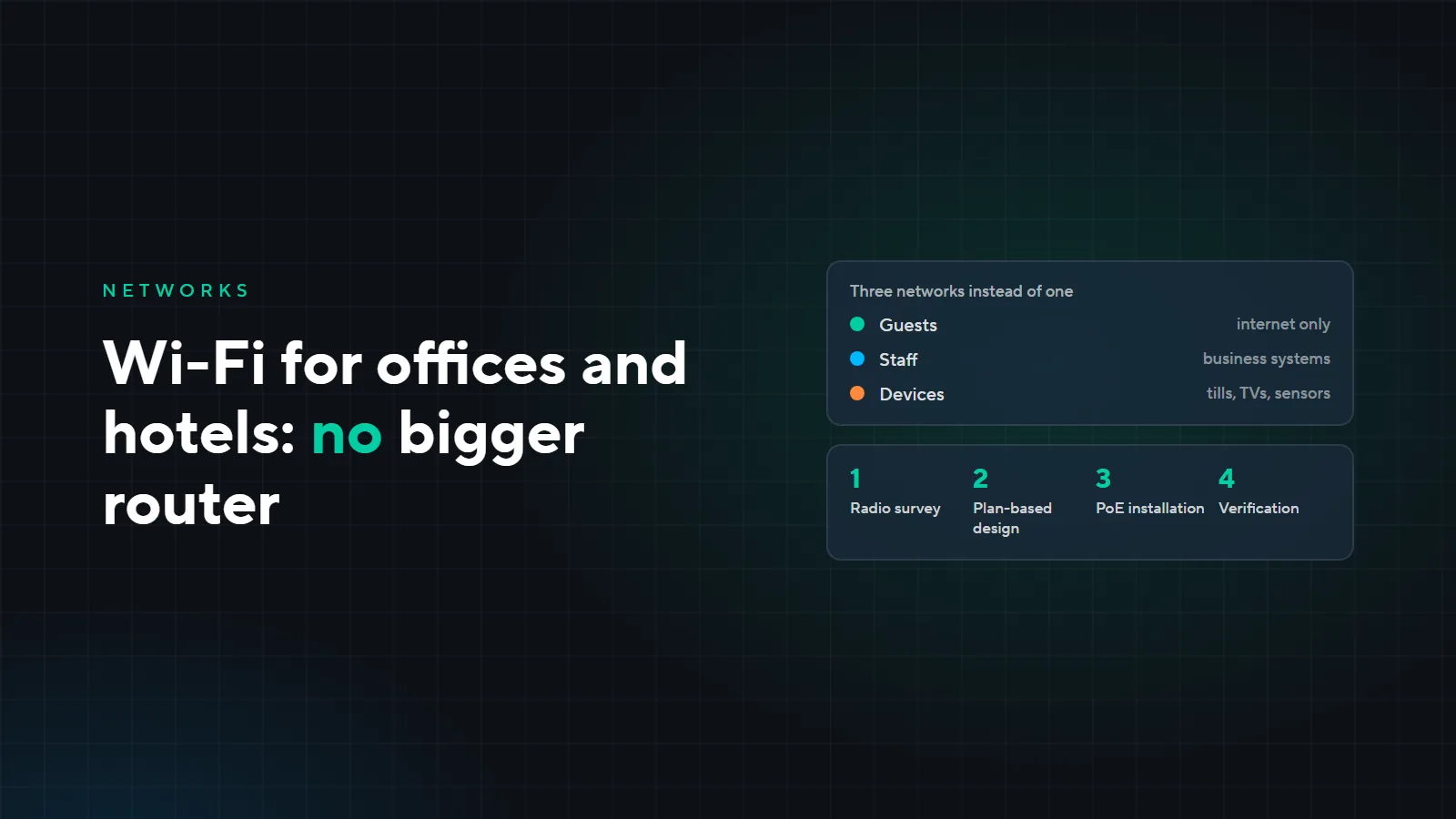
Wi-Fi for offices and hotels: why a bigger router does not help
There is Wi-Fi, yet working is impossible: the connection drops in the far office, video freezes in meetings, hotel guests complain. Usually the problem is not the provider but how the network is built. Here are the problems clients come to us with, how we design Wi-Fi for offices and hotels, and what it may cost.
Four typical problems
A store-bought router in every office
Each router has its own network and its own settings. They interfere with each other, and a phone moving around the office clings to a distant router instead of the nearest one. Such a patchwork is hard to manage and hard to troubleshoot.
No signal in rooms and far areas
Walls and floors, especially concrete ones, absorb the signal. One powerful access point in the corridor does not reach into the rooms, and the more powerful you make it, the more it interferes with its neighbors.
Full signal, no internet
Full Wi-Fi bars do not mean the network can cope. If one access point serves too many connections, the channel is narrow, or everyone gathers in one hall, speed drops to zero. This is most visible in conference rooms, restaurants and lobbies.
Guests on the same network as the tills and servers
One network and one password for everyone: guests, staff, tills, cameras. Any guest device can see business systems, and every former employee knows the password.
How we design Wi-Fi
- 1On-site radio survey
- 2Calculation from the floor plans
- 3Installation: power over the cabling
- 4Verification after installation
- Radio survey. On site we measure signal and interference: neighboring networks, wall materials, places where people gather.
- Calculation from the plans. From the floor plans and wall materials we work out where to place access points. Their number depends less on floor area than on walls, the number of devices and the load.
- Installation. Each access point gets its own cable run from the cabinet, which carries both the network and power (PoE). No outlets or power adapters up on the ceiling.
- Verification. After installation we repeat the measurements and check that coverage and speed match the design.
One system instead of a set of routers
We install enterprise access points with a central controller: Ubiquiti UniFi, TP-Link Omada or MikroTik, chosen for the task. All access points work as one network: a phone moves to the nearest one on its own without dropping, settings and updates are done from one place, and a faulty access point shows up immediately.
We choose the standard for the task too: Wi-Fi 6 covers most offices and hotels, while Wi-Fi 6E and 7 are needed where many devices gather in one place, such as halls and high-density sites.
Separate networks for guests, staff and devices
- The guest network is isolated from tills, servers and cameras: guests get internet access only.
- A per-guest speed limit, so that one person downloading films does not take the whole channel.
- Separate networks for staff and devices: tills, TVs and sensors each work in their own segment.
Example: a hotel with a sports complex
Take the same fictional 120-room hotel with a sports complex as in “How we run a project”.
| Area | Access points |
|---|---|
| Rooms: one access point per two adjacent rooms | 60 |
| Lobby, restaurant, halls, sports complex | 15 |
| Total | 75 |
Wi-Fi for such a site comes to about 0.9–1.2 million som on top of the network and cabling: the cable runs to the access points are already included in the 5.8 million som for the network in that example. There are three networks: for guests, for staff and for devices. We determine the exact number of access points after the radio survey.
Wi-Fi is there, but working is impossible? Leave a request: we will survey the site and tell you what is in the way. See our work on the “Low-voltage systems” and “Case studies” pages.