
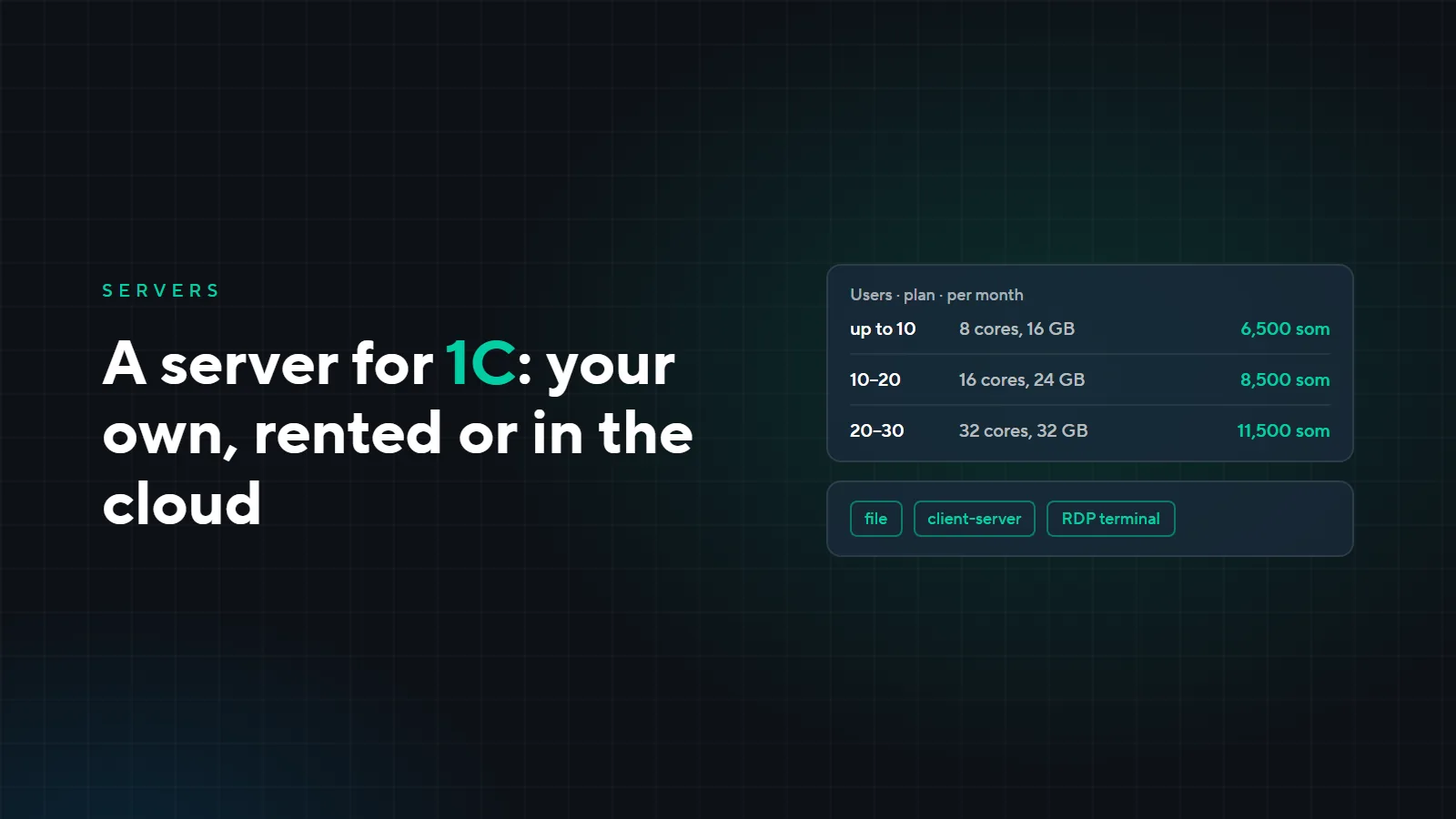
A server for 1C: your own, rented or in the cloud
While three accountants share one office and one copy of 1C, nobody thinks about a server. Then the office grows, a branch opens, people want to work from home, and 1C slows down. Here is how 1C can be set up, where to host it — on your own server, a rented one or in the cloud — and what server you need for your number of users.
How 1C can be set up
| Setup | How it works | When it fits |
|---|---|---|
| File database | The database is a file in a shared folder that the program on each computer opens over the network | A small office and a small database |
| Client-server | A 1C:Enterprise server and a DBMS: MS SQL or PostgreSQL | The database is over 300 MB, and lock conflicts and slowdowns have started |
| Terminal server | 1C and the database run on the server, employees connect by remote desktop (RDP) | Remote work, branches, working from home |
The setups combine: a growing company most often has client-server 1C that employees reach through a terminal server.
What clients come to us with
- 1C slows down as the office grows. The file database can no longer cope, users lock each other out, reports take minutes. Our rule of thumb: once the database is over 300 MB and lock conflicts and slowdowns have started, it is time to move to client-server.
- Remote work and branches. A file database must not be opened over the internet: it will be slow and can get corrupted. You need a server that people connect to remotely.
- No backups, the database is lost. We covered how to set up backups in “Backups: the 3-2-1 rule in practice”.
- Licenses. Windows Server, terminal server connections, MS SQL and 1C itself are licensed separately, and some of them are remembered only after launch.
Where to host the server
| Option | Pros | Keep in mind |
|---|---|---|
| Server in the office | Everything is yours, no monthly rent | You need a room, a UPS, off-site backups and a good internet connection for remote staff |
| Rent from us | No hardware to buy; backups, support and 24/7 operation are included in the plan | A monthly fee |
| Colocation | Your server in our data center: power, cooling and connectivity are ours | You have to buy the server |
| 1C cloud (1C:Fresh and similar) | No server and no administrator needed | Fits standard configurations without customization. With customizations and integrations you need your own or a rented server |
For how your own server, rental and the cloud differ in general, see “Your own server, rental or cloud”.
What server you need for your number of users
A guideline for client-server 1C with terminal access, with headroom. We pick the exact configuration after measuring the load: it depends on the 1C configuration, the database size and what else the server does.
| Users | Plan | Per month |
|---|---|---|
| Up to 10 | 8 cores, 16 GB, 128 GB SSD | 6,500 som |
| 10–20 | 16 cores, 24 GB, 256 GB SSD | 8,500 som |
| 20–30 | 32 cores, 32 GB, 512 GB SSD | 11,500 som |
| Over 30 | Dedicated server | quoted for the task |
Every plan includes technical support, a UPS and a generator, antivirus, daily backups and 24/7/365 operation. With annual payment, you get 12 months for the price of 10. See the plans on the “Servers” page.
Licenses
1C on a server usually needs:
- Windows Server and terminal server connection licenses, per user or per device;
- a DBMS: MS SQL is licensed separately, PostgreSQL is free, so with it you pay nothing for the DBMS;
- 1C licenses: client licenses, plus a server license for the client-server setup.
We select and supply licenses together with our partner, an official 1C integrator and supplier. That way the server starts with legal software from day one, with no surprises during an audit.
Migration
We estimate database migration and server setup for each task: it depends on how many databases you have, what customizations there are and how many users.
Is 1C slowing down, or do you need access from a branch? Leave a request: we will look at how your 1C is set up now and suggest where and on what it should run.