
Moving 1C to a data centre without downtime: stages, what moves and the first month
Your 1C runs on a server in the office, and you have decided to move it to a data centre. One fear usually holds people back: accounting and the warehouse will stand still for a day or two. The move can be done so that the database never stops during working hours. Here is how it goes, what has to move besides the database itself, what to check afterwards and how the first month works.
How the move goes
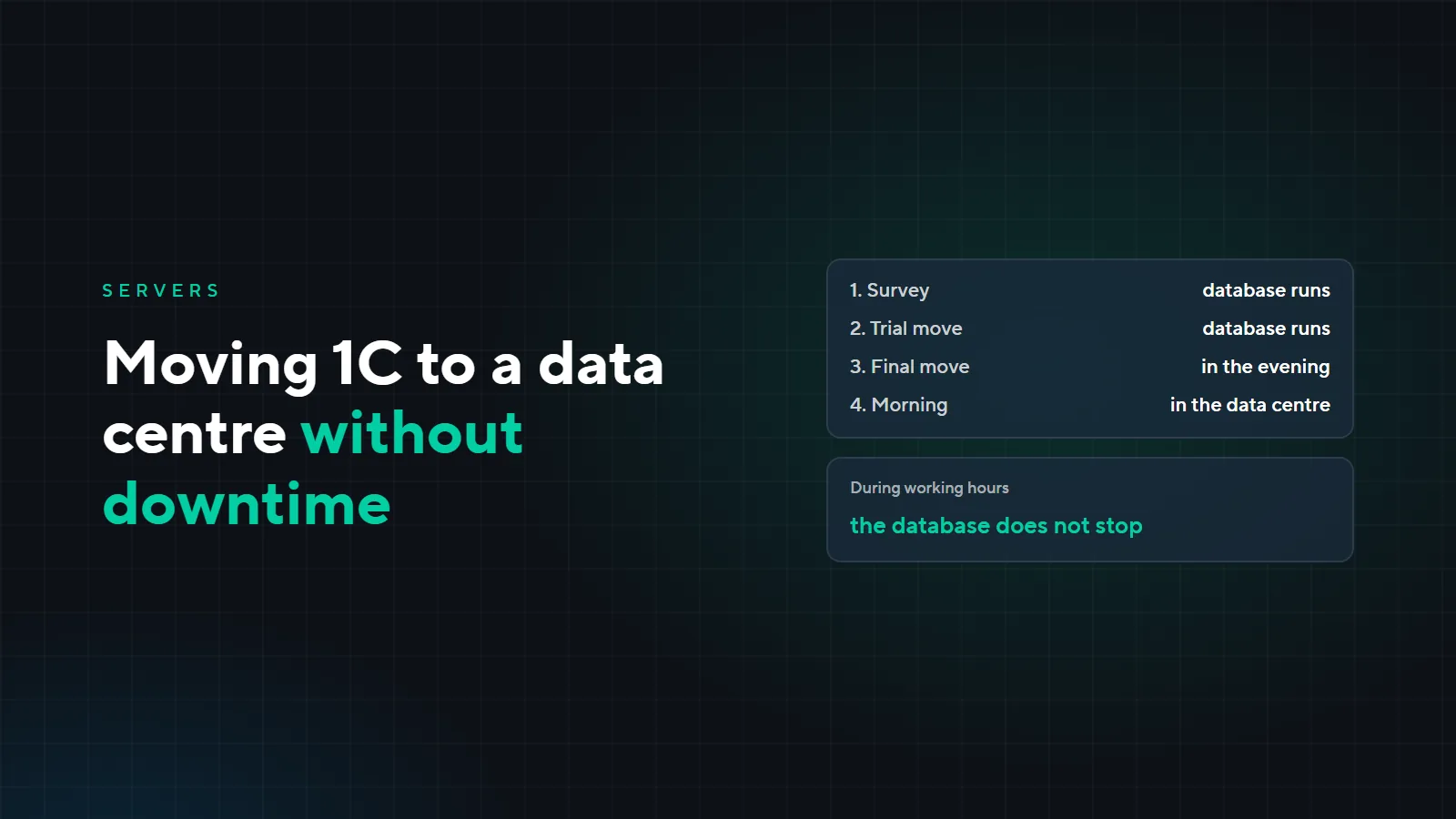
- 1Survey
- 2Trial move
- 3Final move
- 4Working in the data centre
Survey
We look at the current server and database: which configuration, a file database or a client-server one, and how large. We find out which exchanges and scheduled jobs are set up, which printers documents go to, where the scanners are, how the licenses are arranged, and who works from the office and who from home. Based on that, we choose a plan and draw up the move schedule.
Trial move
We deploy a copy of the database on the server in the data centre and give access to a few employees, for example an accountant and a storekeeper. They log in, post documents in the copy, print and scan goods. Meanwhile the live database keeps working in the office as usual. Anything that does not work the first time we find and fix on the copy, not on the day of the move.
Final move
We do it in the evening or at the weekend, when work is over. We stop the database in the office, move the latest copy to the server in the data centre and switch employees over to it. In the morning everyone is already working in the data centre. During working hours the database does not stop.
What moves besides the database
- Exchanges and integrations. Uploads to the bank and loading statements, exchange with the website and other databases. They are easy to forget because they run on their own until they stop.
- Printers and scanners. Document printing and barcode scanners over remote desktop: an invoice should print on the printer of whoever posts it, and a scan in the warehouse should land in the document.
- 1C keys and licenses. We transfer licenses to the new server, including those on USB keys, together with our partner, an official 1C integrator and supplier. Which licenses a 1C server needs is covered in the article “A server for 1C”.
- Employee access. User accounts, folder permissions, connecting from the office and from home. We open remote desktop only through a VPN; why, we explain in the article “Server rental: 8 questions”.
File database or client-server
If the database is a file one but already larger than 300 MB, users block each other and reports take minutes to build, moving to a data centre is a good reason to switch to the client-server setup. We decide this during the survey so the switch happens in one move, not two. How the setups differ and when it is time to switch, we cover in the article “A server for 1C”.
What people usually forget to check
After the final move we go through the list together with your employees. If something on it does not work, it shows up on the first morning, not at the end of the month.
| What to check | How to tell it works |
|---|---|
| Logging in to 1C | every employee logs in with their own account and sees their databases |
| Printing | invoices and bills print from 1C on the printer of whoever posts them |
| Barcode scanners | in the warehouse, a scanned item lands in the document |
| Exchanges | the bank statement loads, the exchange with the website and other databases has run |
| Licenses | 1C does not ask for a key, and as many employees can work at once as before |
| Scheduled jobs | night processing and exchange rate loading run on schedule on the new server |
| Access from home | an employee connects from home through the VPN |
Example: a trading company with 15 users
A fictional company: an office and a warehouse, a 1C file database on a server in the office, barcode scanners in the warehouse, statements loaded from the bank, two employees working from home. The move could look like this:
| When | What we do |
|---|---|
| Monday | survey: the database, bank exchange, printers, scanners, licenses, who works from where; we choose a plan for 15 users |
| Tuesday and Wednesday | we prepare the server in the data centre, user accounts and the VPN, and transfer licenses together with the 1C partner |
| Thursday | trial move: the accountant and the storekeeper work in the copy; invoices print on the wrong printer and the warehouse scanner does not reach the document, we fix both |
| Friday evening | final move: we stop the database in the office, move the latest copy and switch employees over |
| The following Monday | the company works in the data centre; in the morning we go through the checklist with employees |
Your timeline depends on the database, the number of exchanges and how many systems besides 1C move along with it. We name it after the survey.
The first month instead of a trial period
There is no trial period, but no long contract either: payment is monthly, and you can cancel at the end of any month. The first month is the test: the company works in the data centre as usual and sees how it all works. If it does not suit you, we hand over an up-to-date copy of the database, and the data stays with you.
How much it costs
The move is paid, and we name the price after a call. The server rental is paid by plan; the plans are on the “Server rental” page.
Want to move 1C to a data centre without stopping work? Leave a request: we will call back, explain how the move will go and arrange the survey.